Centennia Historical Atlas: DIY Last-minute Gift
It's already Christmas (or a birthday or some other gift-giving day), and it's too late to have a gift copy of the Centennia Historical Atlas delivered to your friend who loves maps and history, but it's the perfect gift. No worries. You can make your own copy on a USB flash drive (thumb drive) and make a nice ready-to-wrap gift box for it, too.
Things you’ll need:
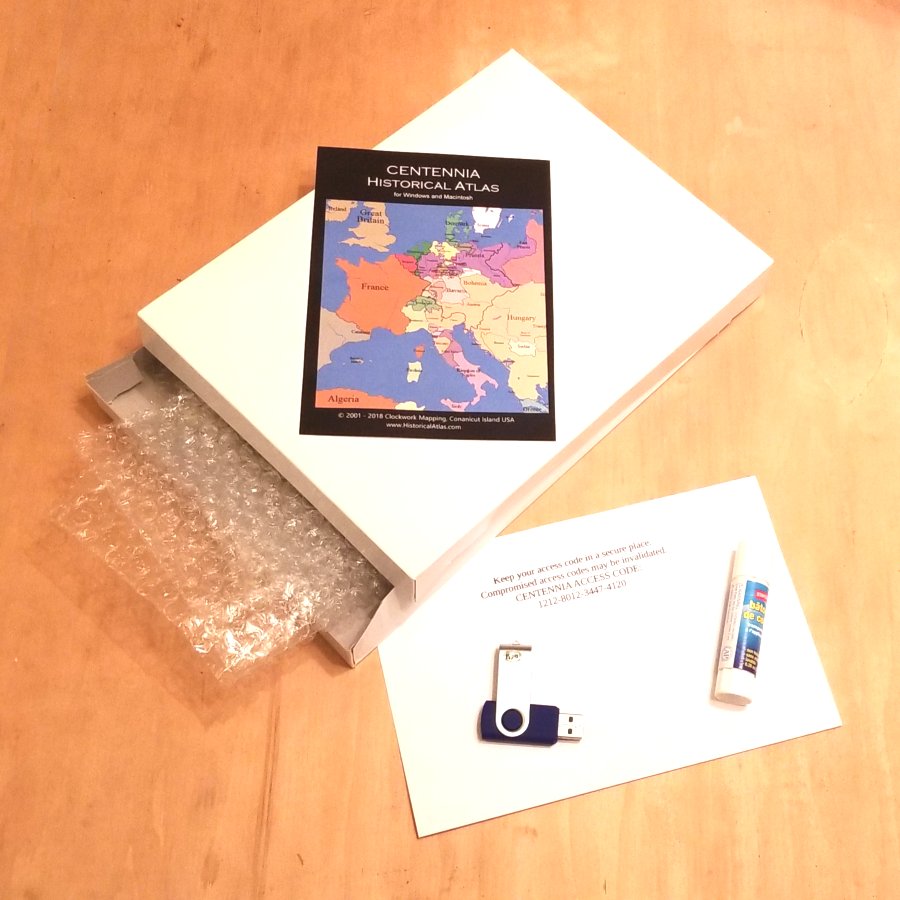
A USB flash drive (any older low-capacity USB will do), a small gift box, packing material (bubble wrap), a color printer, and glue or tape.
Steps:
1: Download Windows or Mac version (or both):
2: Put file(s) on USB flash drive. You can use an old, low-capacity flash drive.
3: Buy a license code. Use code XM8 for a $15 discount:
4: Check your email for the 16-digit license code and print it.
5: Find a gift box. Any size will do. We suggest 8×6×1 inches (or 20×15×3 cm).
6: Wrap the USB flash drive in packing material and place it, along with the printed license code in the gift box.
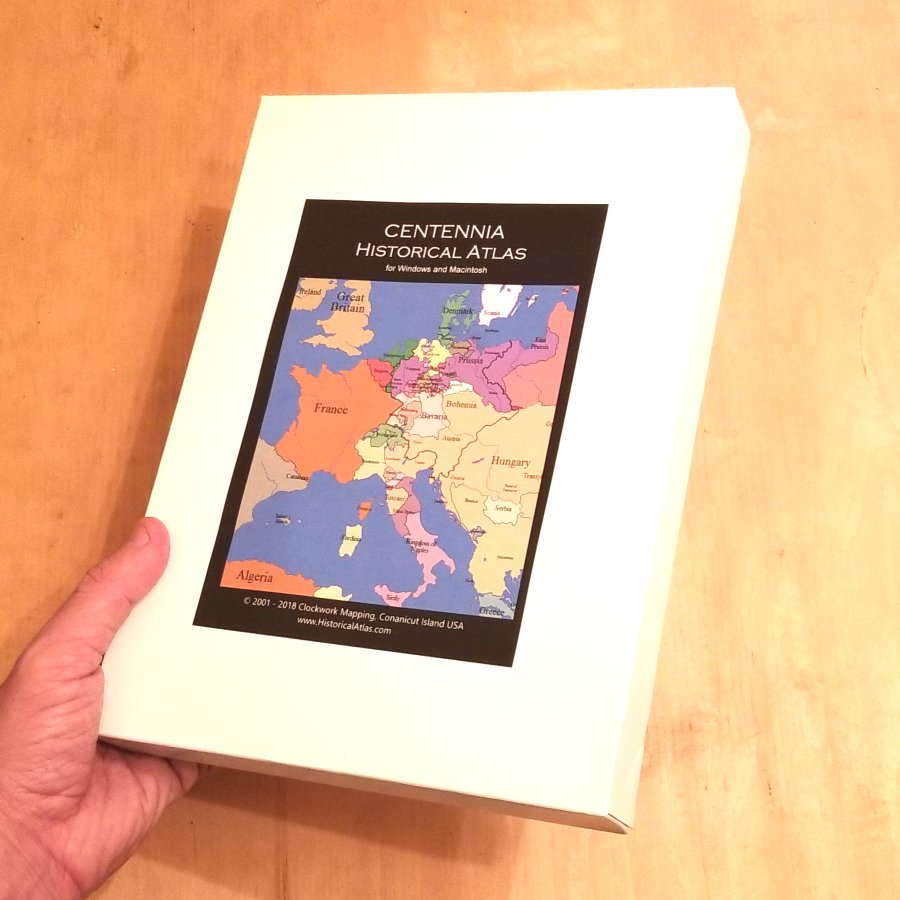
7: Get cover art and print it:
8: Glue cover art on box. Seal the box.
9: Deliver your gift. Accept praise!
Comments:
Kenneth Rip wrote: 7👍
love Centennia...any chance of adding data for the first millennium?
Falk Kuebler wrote: 5👍
What a stunning piece of both pleasure AND education for all of us, i.e. for Daddy and for my kids 11 and 13. Unfortunately most people don't yet know this marvellous piece of educational entertainment. I hope this will change quickly.
Ellen M. wrote: 12👍
At last! I'm looking forward to using CENTENNIA Research Edition when my department completes the purchase ..... assuming we can fund it. Can you tell me: are the KML files compatible with Google Earth? Would I be able to show the historical borders of Europe, e.g., in 1499 displayed with the perspective and view features in Google Earth?
Hello Ellen. I have added some sample views showing Centennia KML files viewed in Google Earth.